How Upabhog works
The shops near you, online
Upabhog shows you what the shops around you have in stock and what they charge. You order from the shop and pay the shop. We do not sell or deliver anything ourselves.
- Every shop sets its own price
- Pay cash when you receive it
- Free for shops to join
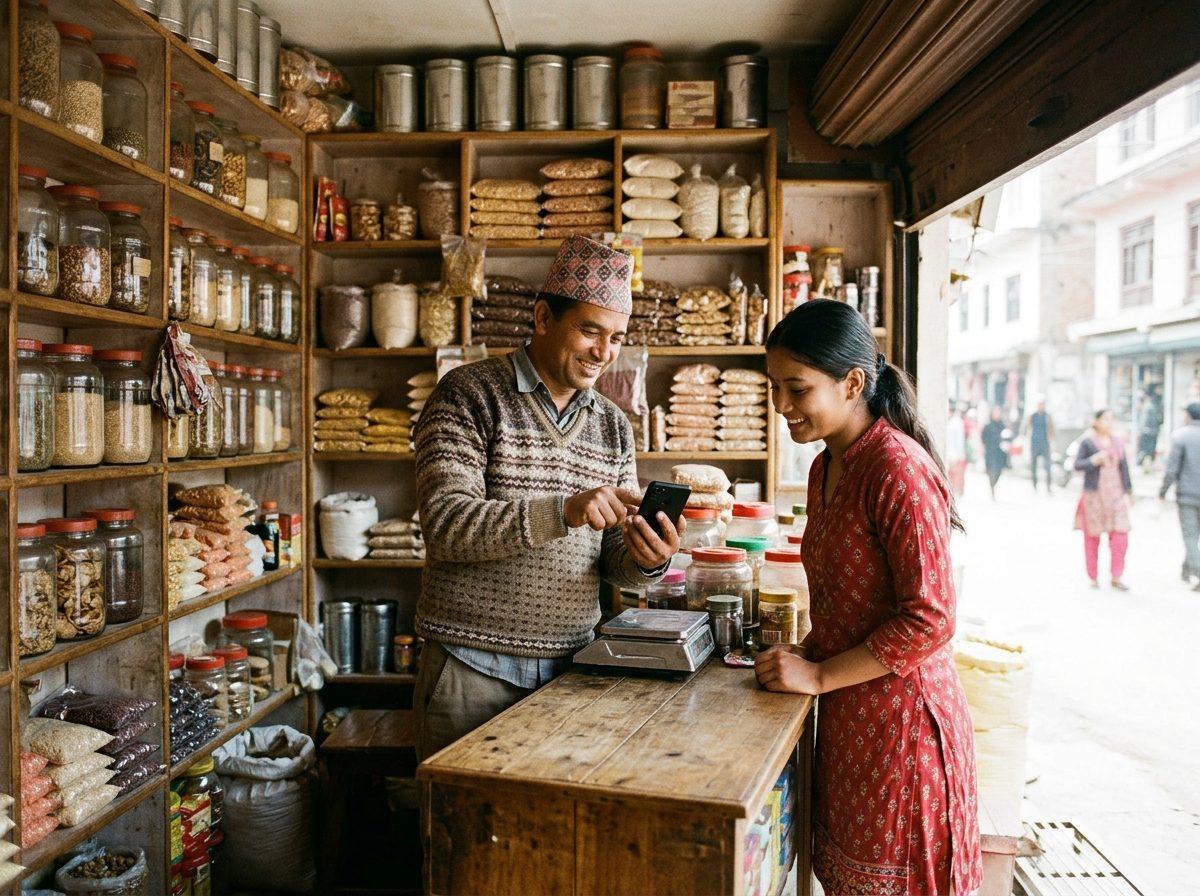

For shoppers
From a search to your hands
- 1
Set your area
Pick your town or use your phone's location, and choose how far to look: 5, 10, 25 or 50 km. You can also browse all of Nepal.
- 2
Find it and compare
Search or browse. Every product shows the lowest price near you and how many shops have it, so you can compare before you go.
- 3
Order from the shop you choose
Add it to your cart or tap Buy now. Pick it up at the counter, or have it delivered if the shop delivers to your area. You pay cash when you receive it.
- 4
The shop confirms, and you can talk to them
The shop accepts your order and gets it ready. Each order has its own messages with the shop. If you want, the order cancels itself when the shop does not answer in time.
For shop owners: your shop, online
Joining and listing your products costs nothing. Customers near you find your shop, order from it, and pay you directly.
- Add products from our ready-made catalogue, with photos and details, then set your price and how many you have.
- See new orders on your phone, accept them, and message the customer in the Seller Hub.
- Print your shop's QR card so walk-in customers can find your shop online.
- Choose the areas you deliver to and what you charge, or offer pickup only.
AI agents for your shopComing soon · paid
An agent that turns a photo of a product into a listing for you to check and publish. It will be a paid extra; joining and selling stay free.
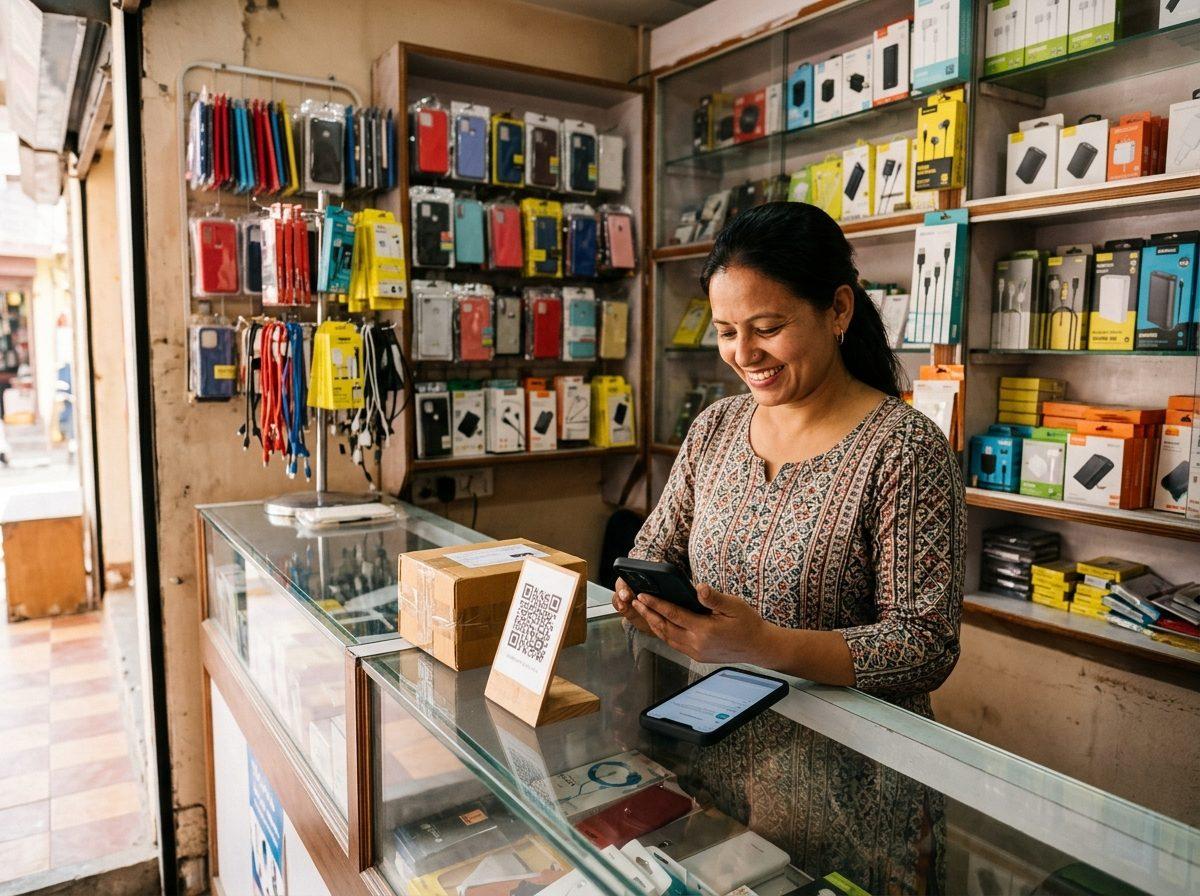
See what's in stock near you
Set your area and compare prices from the shops around you.